Create your Google Earth Engine (GEE) account
With your Google Earth Engine account, you can access and manipulate many GIS layers for free.
- Make sure you've logged out of all gmail accounts except for the one you want to use for GEE.
- Go to https://earthengine.google.com
- In the top right corner, click "Get Started"
- Sign into your gmail account
- Register as a non-commercial (free) user
- Wait ~2 days for Google to approve your account. You might get immediate access, or this process might take up to a week.
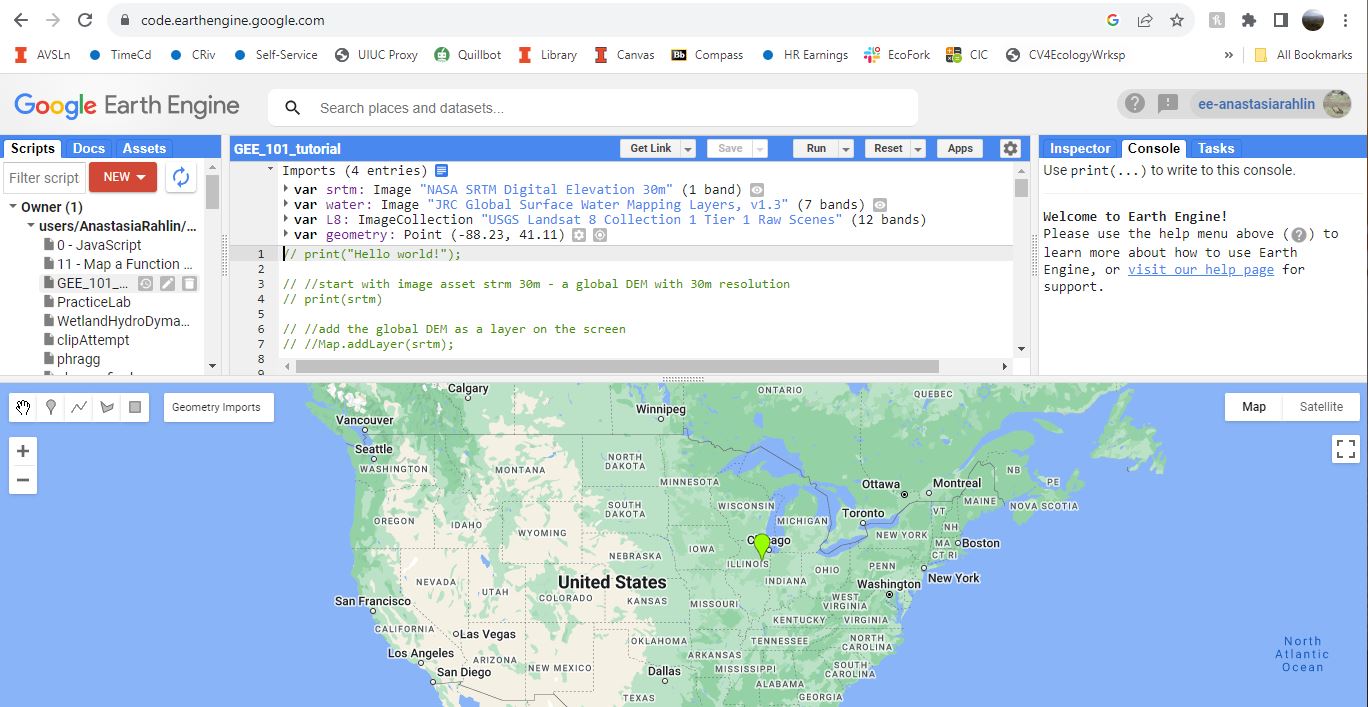
- Go to your GEE page at https://code.earthengine.google.com/
- Your screen should look something like this: